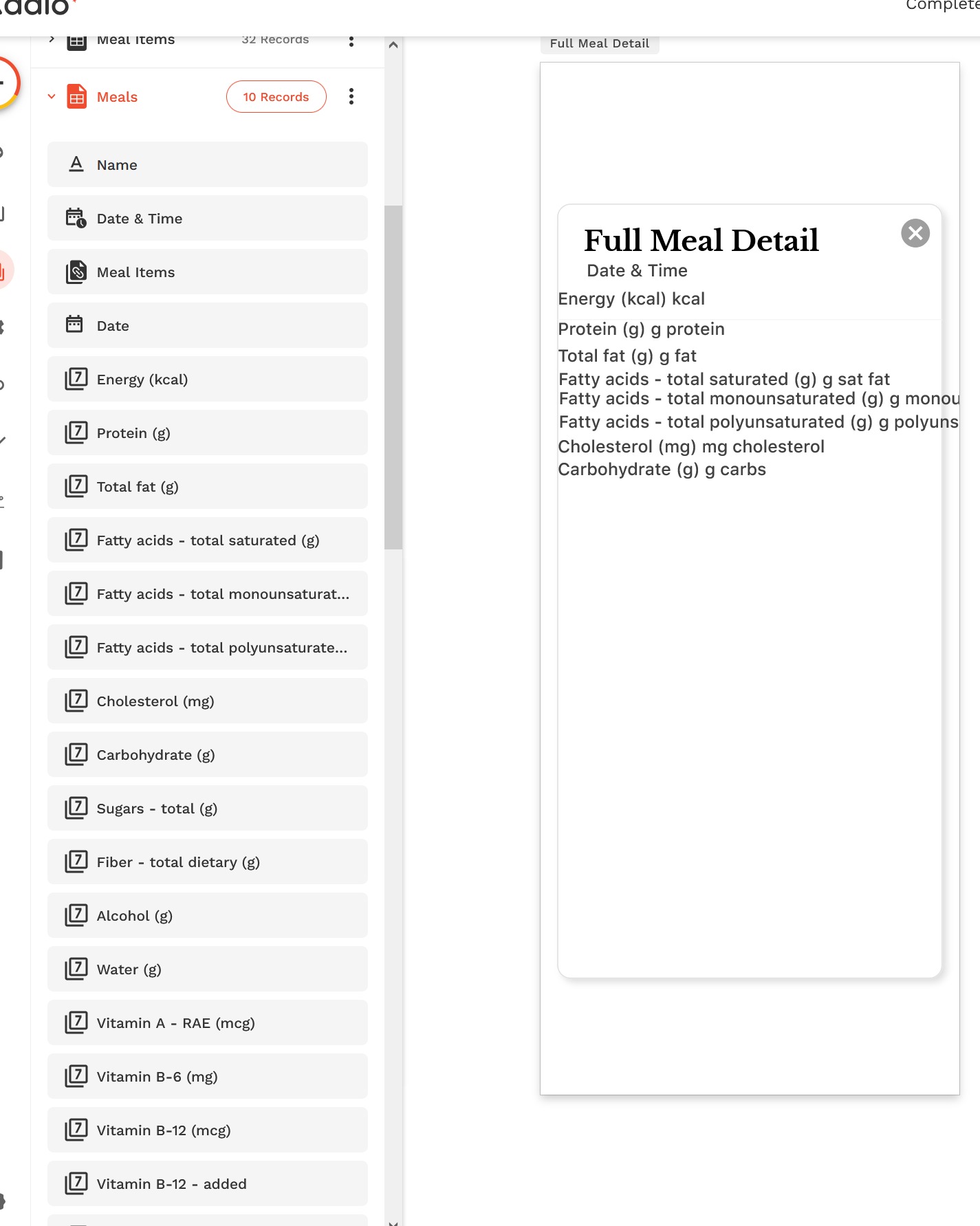
I have a collection with 40+ properties. I want to make a table showing most of the values for one record in the collection, not a list of multiple records.
I don’t see any table format that lets me do this, they all want to show a list of records.
I don’t even see a formatted blank table component, so I started manually making lines of text, with a magic text field for each property of ‘current meal’.
As Victor said, the only way is doing by hand.
For Alignment and at the same time to save in components quantity, what i do is set the magic tex in the same text box using Shift+Intro to go to the followed line.
@sdmahaneysc you have to do it by hand.
There are some tips what you can do in the editor, after selecting an element:
move an element by 1px (up/down/left/right) with the keyboard arrows
move an element by 10px with Shift+arrows
by pressing three dots on the left pane (top area), choose “Align to Screen” or “Align to Parent”, and then it’s possible to align horizontally or vertically
there are additional options there when multiple elements are selected.